
mcp server
markdown-convert-mcp
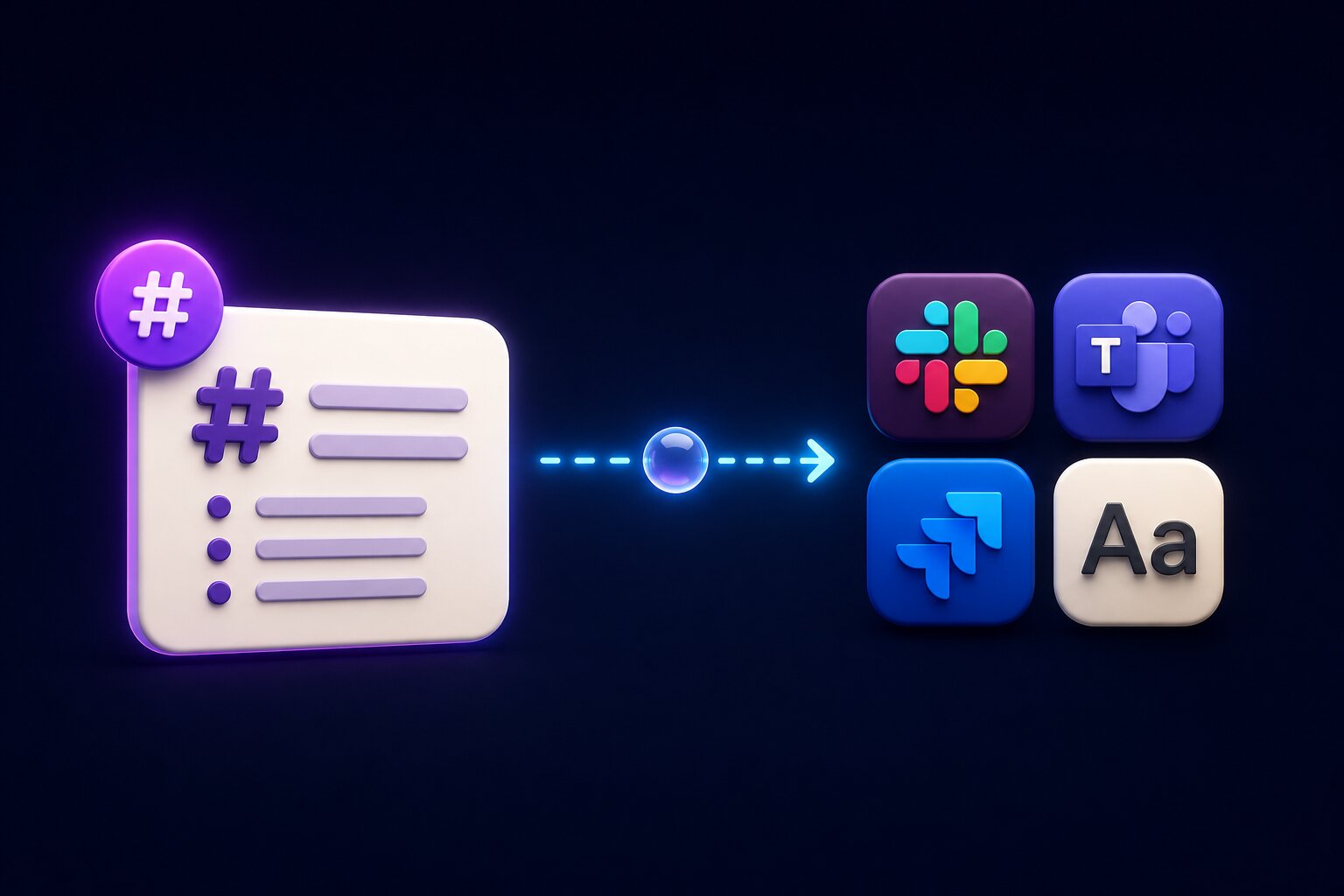
Convert Markdown to Slack, Microsoft Teams, Jira, and plain text with an MCP server. Supports CommonMark and GitHub-Flavored Markdown (GFM) and provides platform-specific formatting for AI agents, LLM
Set up
Runs on your computer. Pick your agent and operating system.
Before you start
- Node.js 20 or newer
{
  "mcpServers": {
    "markdown-convert-mcp": {
      "command": "npx",
      "args": [
        "-y",
        "@ysskrishna/markdown-convert-mcp"
      ]
    }
  }
}
same format Cursor, GitHub Copilot CLI, Junie, JetBrains AI Assistant, Augment (Auggie CLI), Factory Droid, Kiro, Devin CLI +12
Values in angle brackets are placeholders. Restart Claude Desktop after editing its config.Claude Desktop docs
README
synced Oct 27, 2026Markdown Convert MCP


Convert Markdown to Slack, Microsoft Teams, Jira, and plain text with an MCP server. Supports CommonMark and GitHub-Flavored Markdown (GFM) and provides platform-specific formatting for AI agents, LLMs, and automation workflows.
MCP setup
Cursor
Add to ~/.cursor/mcp.json (global) or .cursor/mcp.json (project only):
{
  "mcpServers": {
    "markdown-convert": {
      "command": "npx",
      "args": ["-y", "@ysskrishna/markdown-convert-mcp"]
    }
  }
}
Then open Cursor Settings → MCP and confirm markdown-convert is enabled.
With a global install, you can use "command": "markdown-convert-mcp" instead of npx.
Claude Code (CLI)
claude mcp add markdown-convert -- npx -y @ysskrishna/markdown-convert-mcp
Add -s user to register for all projects. In a session, run /mcp to list tools.
Claude Desktop
Settings → Developer → Edit Config, then restart Claude:
{
  "mcpServers": {
    "markdown-convert": {
      "command": "npx",
      "args": ["-y", "@ysskrishna/markdown-convert-mcp"]
    }
  }
}
Tools and next hops
Each tool accepts { "markdown": "<source>" } and returns converted text. Pick the tool that matches where the string will go next.
| Tool | Output | Use when the next hop expects | Do not use when |
|---|---|---|---|
markdown_to_slack | Slack mrkdwn | Slack API or Slack MCP text (mrkdwn) | Composer clipboard paste; markdown_text fields (pass Markdown through instead) |
markdown_to_teams | HTML with inline CSS | Teams paste or Graph contentType: html | Adaptive Cards; this tool does not send Teams messages |
markdown_to_jira | ADF JSON string | Jira Cloud REST v3 rich-text fields; Atlassian MCP | Wiki markup / Server v2 API; this tool does not create issues |
markdown_to_plaintext | Plain text | Any destination that needs stripped text | — |
Limits: Whitespace-only input returns success with an empty string. Input over 200,000 characters returns a tool error (isError: true), not a transport failure. Slack may truncate around 40k characters in the text field.
Support
If you find this project helpful:
- Star the repository
- Report issues
- Submit pull requests
- Sponsor on GitHub
License
MIT © Y. Siva Sai Krishna — see LICENSE for details.
Author's GitHub • Author's LinkedIn • Author's site • Report Issues