
mcp server
mcp-servers-for-image-editing
MCP servers for image editing compared: 8 servers Claude can drive, hosted or local, with what must be running, layers, masks, text, export, who publishes each one and its licence.
Set up
Runs on your computer. Pick your agent and operating system.
This project does not publish an install method we can turn into a config. Follow the README instead.
README
synced Oct 28, 2026MCP Server for Image Editing: 8 Servers Claude Can Drive, Compared
The best MCP server for image editing depends on what must stay open while Claude works. We ranked 8 servers, checked on 11 October 2026, by how much of a repeatable edit each runs without someone finishing it by hand. Wireflow is first because a hosted connector or one REST request can rerun the saved edit. Of the 8, 4 are hosted and 4 run locally.
- Wireflow: Best overall for edits you rerun without a desktop app, a hosted connector that runs saved workflows of edit nodes
- Adobe for Claude: Best for photo fixes with Adobe tools inside a chat, a hosted connector made by Adobe
- ImageMagick MCP: Best for scripted resize, crop and overlay work, a local server built on a command line tool
- Photoshop MCP: Best for layered edits in a copy of the app you already own, an unofficial local server
- GIMP MCP: Best for free desktop edits with a preview the model can check, a local GPL-3.0 server
- Krita MCP: Best for painting and layer work in an open document, a local CC0 server
- Figma: Best for changes to design files, a hosted server that writes to the file
- Canva: Best for finding, generating and exporting designs, a hosted connector with 17 listed tools
We build Wireflow, so read entry 1 as the maker's own view. Wireflow's node-based image generation page shows the canvas those edit nodes sit on, and every other entry links to the README or vendor page we read.
The tables below are generated from data/tools.json. Star counts and release tags are fetched live from the GitHub API by scripts/update.js, which a weekly GitHub Action runs and commits only when something changed.
Live repository data last checked 2026-11-02 by scripts/update.js, which runs weekly via GitHub Actions.
Maintained by a1adams. Corrections are welcome, see CONTRIBUTING.md.
Contents
- The data
- Capability scores
- Comparison table
- The tools
- What each check means
- How we picked
- FAQ
- How this list is maintained
- Contributing
- License
The data
One row per tool, one column per thing people actually check before committing. Columns with nothing verified behind them are dropped rather than filled with guesses.
| Tool | Claude connection | REST API | Free tier | Pricing | Open-source SDK / MCP |
|---|---|---|---|---|---|
| Wireflow | Custom connector, hosted MCP, OAuth sign-in | Yes | check | pricing | n/a |
| Adobe for Claude | Directory connector, hosted MCP, sign-in required | n/a | Yes | n/a | n/a |
| ImageMagick MCP | Local server run with node, needs ImageMagick 7+ | n/a | Yes | n/a | bthurlow/imagemagick-mcp, 4 ★, v0.1.4 |
| Photoshop MCP | Local server through npx, needs Photoshop running | n/a | Yes | n/a | alisaitteke/photoshop-mcp, 788 ★, v1.7.37 |
| GIMP MCP | Local server through uv, needs GIMP 3.2+ running | n/a | Yes | n/a | maorcc/gimp-mcp, 285 ★, pushed 2026-11-01 |
| Krita MCP | Local Python server plus a Krita plugin, needs Krita 5.2+ running | n/a | Yes | n/a | SanSaSane/krita-mcp, 11 ★, pushed 2026-10-23 |
| Figma | Hosted MCP, OAuth sign-in, clients in Figma's MCP Catalog only | n/a | Yes | pricing | figma/mcp-server-guide, 2,144 ★, pushed 2026-10-28 |
| Canva | Directory connector, hosted MCP, sign-in required | Yes | Yes | pricing | n/a |
Capability scores
The score counts the documented capabilities a tool has, out of the checks listed in data/tools.json under capabilityChecks. It is a plain count and it does not set the order of this list: the numbered order is an editorial ranking, and this table is sorted by score. The checks and every answer are in the file, so each cell can be checked. Disagree with a cell? Open an issue naming the tool, the check and the evidence.
| Tool | Hosted server | Layers or masks | Text edits | Export or render | First-party server | Open-source licence | Runs with no desktop app open | Score |
|---|---|---|---|---|---|---|---|---|
| Wireflow | ✅ | ✅ | ✅ | ✅ | ✅ | n/a | ✅ | 6/7 |
| Figma | ✅ | ✅ | ✅ | ✅ | ✅ | n/a | ✅ | 6/7 |
| Adobe for Claude | ✅ | n/a | ✅ | ✅ | ✅ | n/a | ✅ | 5/7 |
| ImageMagick MCP | ❌ | ✅ | ✅ | ✅ | n/a | ✅ | ✅ | 5/7 |
| Photoshop MCP | ❌ | ✅ | ✅ | ✅ | ❌ | ✅ | ❌ | 4/7 |
| GIMP MCP | ❌ | ✅ | ✅ | ✅ | n/a | ✅ | ❌ | 4/7 |
| Krita MCP | ❌ | ✅ | ✅ | ✅ | n/a | ✅ | ❌ | 4/7 |
| Canva | ✅ | n/a | n/a | ✅ | ✅ | n/a | ✅ | 4/7 |
Comparison table
| Tool | Best for | Runs | What must be running | Published by |
|---|---|---|---|---|
| Wireflow | Edits you rerun, no desktop app | Hosted connector | Nothing on your machine | Wireflow, first party |
| Adobe for Claude | Photo fixes with Adobe tools | Hosted connector | Nothing on your machine | Adobe, first party |
| ImageMagick MCP | Scripted resize, crop and overlay | Local, built from source | ImageMagick 7 installed | An individual, MIT licence |
| Photoshop MCP | Layered edits in your Photoshop | Local, through npx | Photoshop running | An individual, unofficial, MIT |
| GIMP MCP | Free desktop edits with a preview | Local, through uv | GIMP with an image open | An individual, GPL-3.0 |
| Krita MCP | Painting and layer work | Local Python server | Krita running | An individual, CC0 1.0 |
| Figma | Changes to design files | Hosted server | Nothing, but a Full seat to write | Figma, first party |
| Canva | Finding and exporting designs | Hosted connector | Nothing on your machine | Canva, first party |
Facts checked on 2026-10-11 against each server's README or the vendor's own pages. Prices are not typed here, so follow the pricing links in the data table.
The tools
1. Wireflow
Best overall for edits you rerun without a desktop app

- What it is: Wireflow is a hosted platform where ad teams and AI agents build and rerun creative on a shared node board. It works as a Claude connector, so Claude edits an image by building and running a workflow of edit nodes, and the saved workflow can run again on the next file.
- Best for: Teams that repeat the same edit on many images, such as a background cut-out, a text change and a branded layout, and want it to run with no desktop app open.
- Pricing basis: It charges credits per generation, according to the model you run. Connecting is free, so is everything the agent reads, and the Compositor node costs no credits to run. The plans and the credit cost of each model are on the Wireflow pricing page, checked October 2026.
- Standout: The edit is a saved workflow, so it is not lost when the chat ends. The node reference lists edit nodes such as FLUX 3 Image Edit and Ideogram 4.5 Edit, background removal nodes, upscalers, a Crop node and a Compositor that composes layers of images and text. A Painter node outputs a mask, and Ideogram 4.5 Edit takes an optional mask in which black is edited and white is kept. Source: the Wireflow node reference.
- Limit: Wireflow does not drive Photoshop, GIMP or another desktop editor, and opening a layered PSD file is not published. Edits run as nodes in a workflow, which means Claude does not click inside an editor. The free plan lets you build up to 5 workflows, and running generations needs a paid plan. Building and editing workflows from Claude is an opt-in permission, and deleting a workflow through the connector has no undo.
- API or automation: You add
https://www.wireflow.ai/api/mcpas a custom connector and sign in with OAuth, so there is no API key to paste, and a connected agent can read and run by default. A second Editor connector renders one Compositor node at up to 4096 x 4096 from media already in your account, and it does not generate images. Outside Claude,POST /api/v1/workflows/{id}/runruns the saved workflow with your input values. Setup steps are on the Wireflow MCP page. - Sources: the Wireflow homepage, pricing page, node reference and MCP page linked in this entry, checked 2026-10-11.
- Links:
We would build on Wireflow when the edit is a pipeline that runs every week, because the connector and the REST API both run the same saved board. You hit a wall when the job is a hand-tuned retouch inside a layered file, and entry 4 is the better tool for that. The feature page shows how an edit chain looks on the canvas.
Add the Wireflow connector to Claude Code, from the wireflowINC/skills README. Then run /mcp to sign in.
claude mcp add --transport http wireflow https://www.wireflow.ai/api/mcp
Or run a saved workflow from code: send its input values to this endpoint with an API key, then poll the execution. The request format is in the API reference linked under Docs.
POST /api/v1/workflows/{id}/run
2. Adobe for Claude
Best for photo fixes with Adobe tools inside a chat
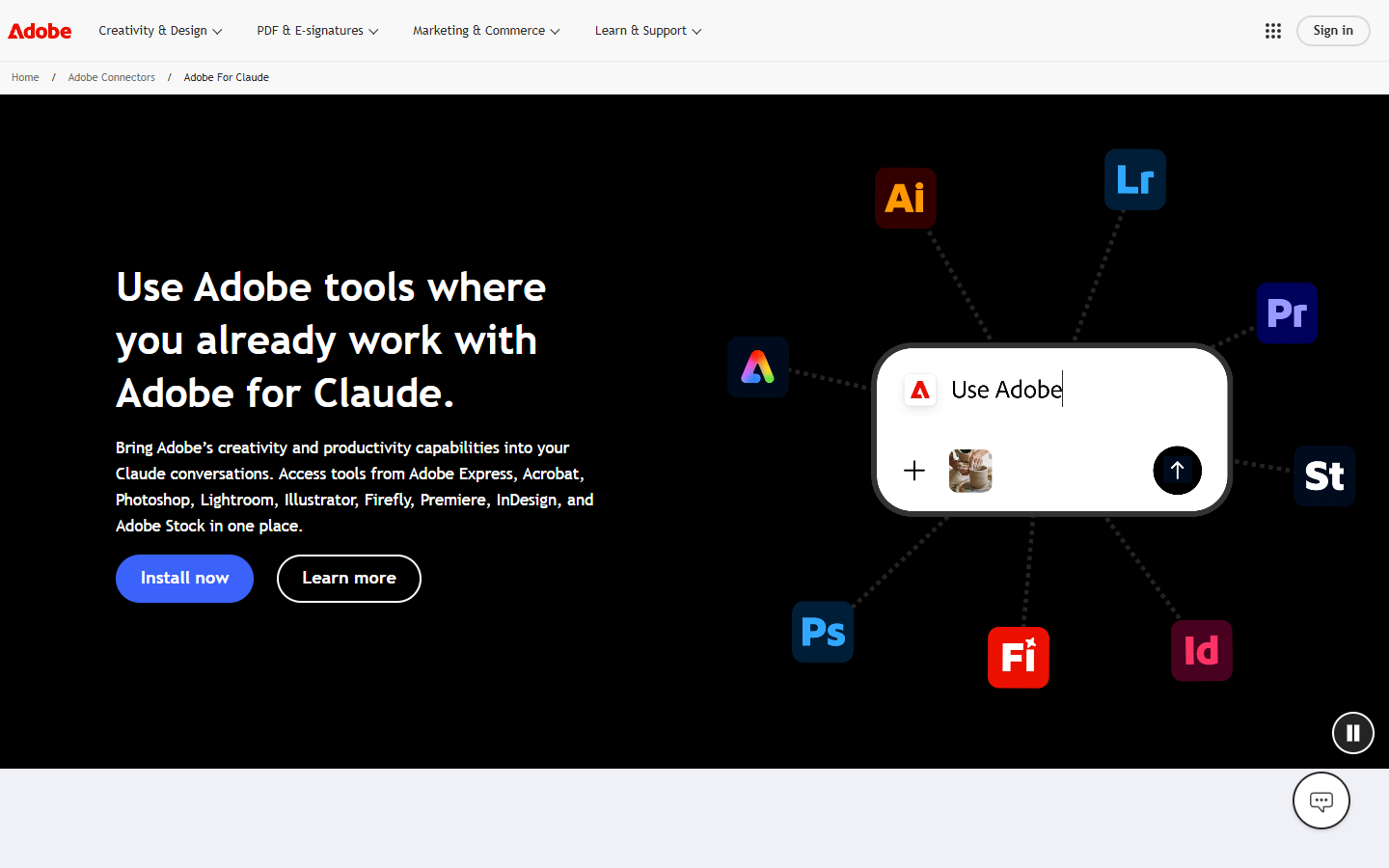
- What it is: Adobe for Claude brings Adobe Express, Acrobat, Photoshop, Lightroom, Illustrator, Firefly, Premiere, InDesign and Adobe Stock tools into a Claude conversation. It is a hosted connector made by Adobe, so nothing is installed next to a desktop app.
- Best for: People who already use Adobe apps and want to fix, crop or resize photos by describing the change in Claude.
- Pricing basis: Adobe states no price for the connector. Many capabilities work without signing in, a free Adobe account unlocks more, and some tools require an eligible paid Adobe plan.
- Standout: The directory listing says you can edit photos individually or in bulk: adjust color and lighting, blur or remove backgrounds, straighten images, and expand or crop photos. In designs you can personalize text, replace and resize images and change colors. Source: Anthropic's directory listing for Adobe.
- Limit: Adobe says the connector does not include every feature from each Adobe app. Layer and mask control, and opening a layered PSD file, are not published on Adobe's page or in the directory listing, so do not plan a layer-level edit around it.
- API or automation: It is an MCP connector at a hosted URL, listed with 67 tools and sign-in required, and Adobe says it is available in Claude on web and desktop and in Claude Code. A public API for calling the same tools from your own code is not published on the pages we read.
- Note: Free tier is marked yes because Adobe says many tools work without signing in. Adobe states no price for the connector, so no pricing link is listed.
- Sources: the Adobe page and the directory listing linked above, checked 2026-10-11.
We would build on Adobe for Claude when the job is a set of photo fixes that a person starts from a chat, because the tools are hosted and come from the vendor. You hit a wall when the edit has to run from a script with no chat open, since the pages we read describe no API for that.
Connector URL from Anthropic's directory listing. Adobe's page says to add the Adobe plugin from Plugins in Claude, connect it on the Connectors tab, then type /adobe in a new conversation.
https://adobe-creativity.adobe.io/mcp
3. ImageMagick MCP
Best for scripted resize, crop and overlay work
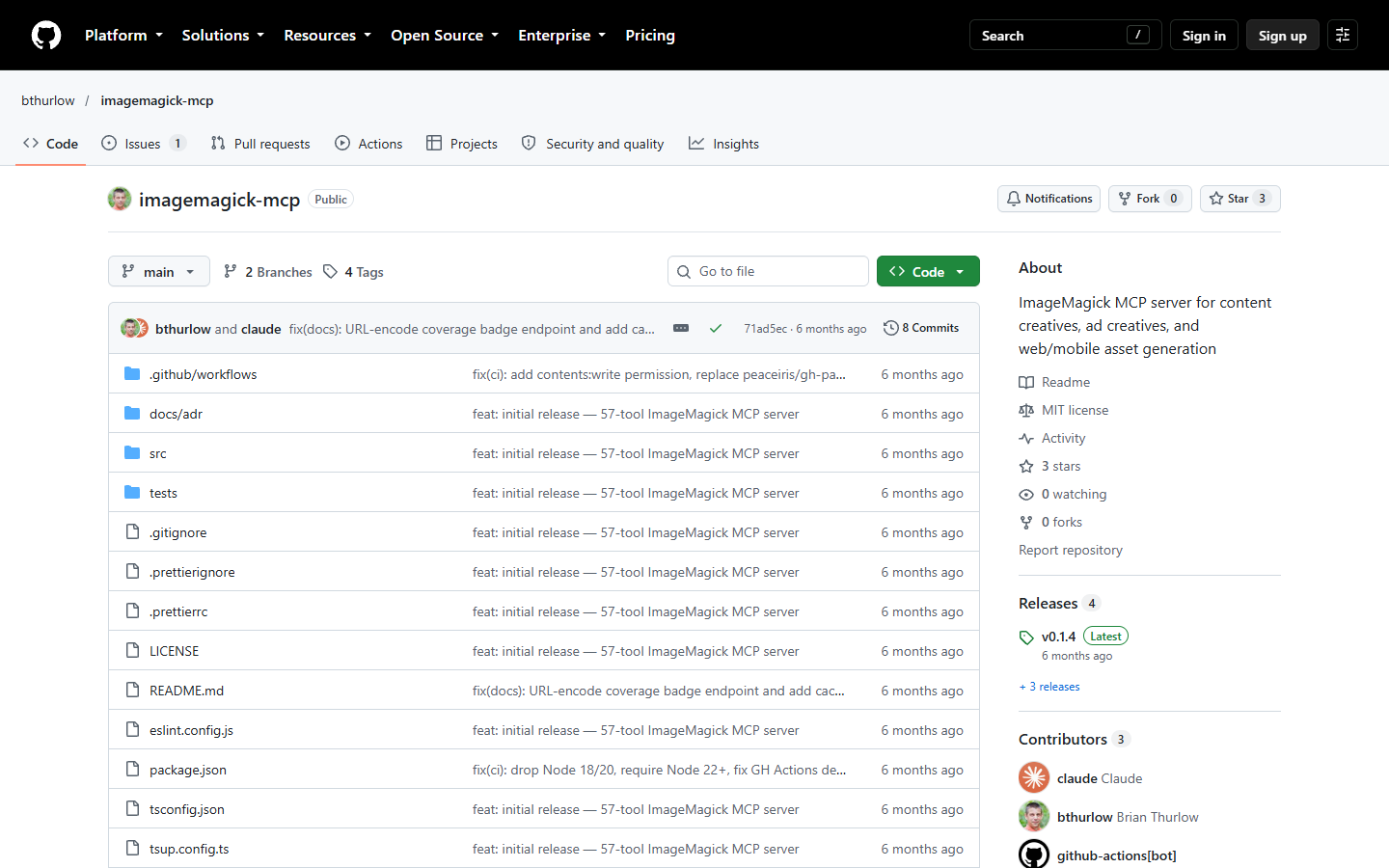
- What it is: ImageMagick MCP is an MCP server that exposes 57 image processing tools built on ImageMagick. It runs on your machine against the
magickcommand line tool, so there is no editor window to keep open. - Best for: Claude Code or Cursor users who want local resize, crop, overlay and batch image tools.
- Pricing basis: It is free and open source under the MIT licence, and no price is published.
- Standout: A
batchtool chains several operations in one call. Other tools includeresize,smart-crop,format-convert,text-overlay,compositewith blend modes,watermarkandmask-apply, and the README also lists ad banner sets, social cards and responsive image sets. - Limit: The README's prerequisites are Node.js 18 or later and ImageMagick 7 or later, and you build the server from source because the npm package is not published yet. Its background removal works by color keying. The repository belongs to an individual GitHub account, and the README states no affiliation with the ImageMagick project.
- API or automation: It is a local MCP server that Claude Code adds with
claude mcp add imagemagick -- node /path/to/imagemagick-mcp/dist/index.js. A hosted endpoint is not published, which means every machine that runs it needs its own build. - Sources: the ImageMagick MCP README linked above, checked 2026-10-11.
We would build on ImageMagick MCP when the edits are sizes, crops, overlays and format changes, because those run in a command line tool with no editor to keep open. You hit a wall on edits that need a judgement about the picture, such as a clean cut-out around hair. If you would rather call a hosted service than maintain a local build, read this comparison of image editing APIs.
Build from source, then add it to Claude Code, from the ImageMagick MCP README. Replace the path with your own.
git clone https://github.com/bthurlow/imagemagick-mcp.git
cd imagemagick-mcp
yarn install
yarn build
claude mcp add imagemagick -- node /path/to/imagemagick-mcp/dist/index.js
4. Photoshop MCP
Best for layered edits in a copy of the app you already own
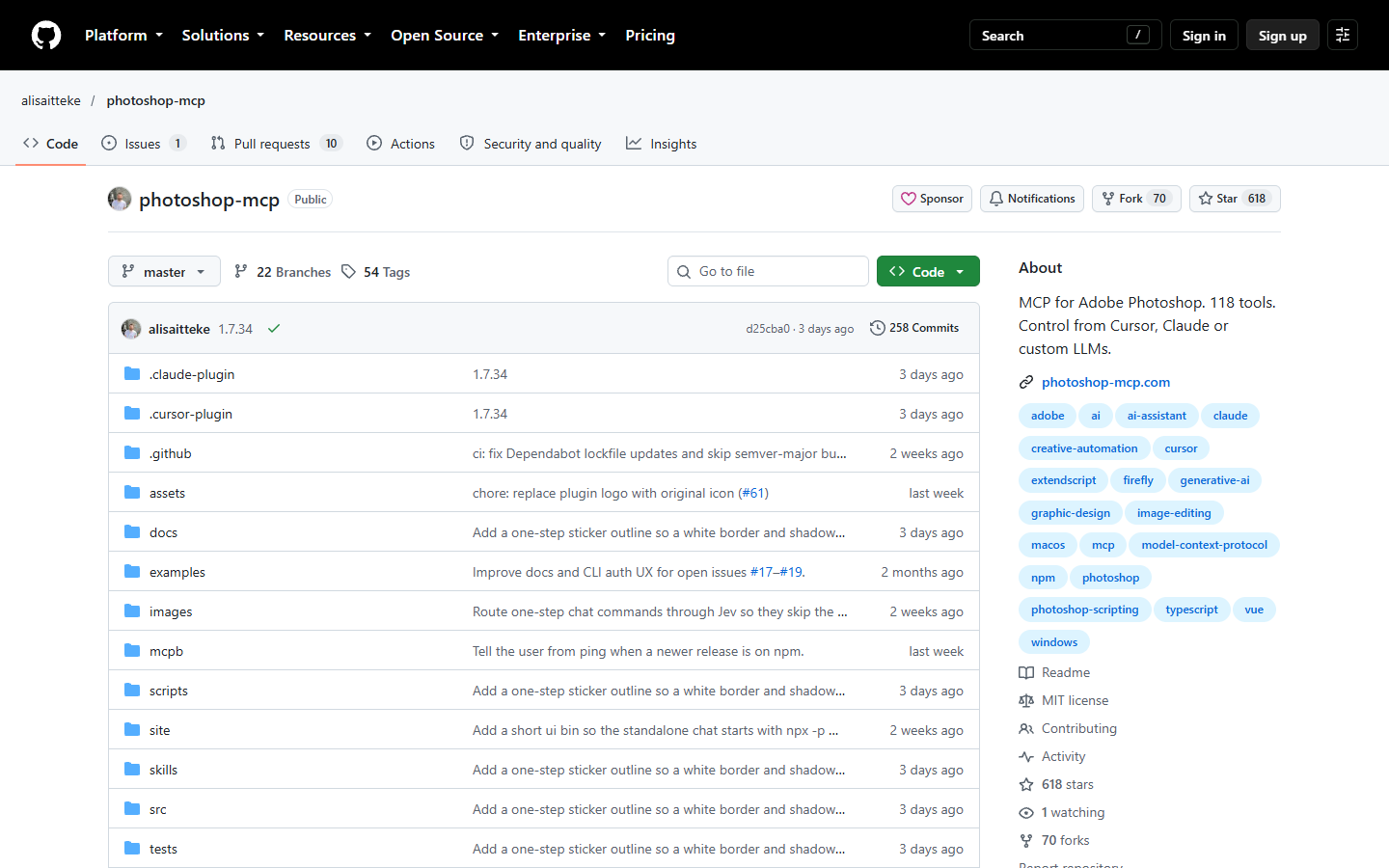
- What it is: Photoshop MCP is an unofficial MCP server that lets AI assistants control Adobe Photoshop with plain-language requests. Its README says it is a community-maintained project that is not affiliated with or endorsed by Adobe Inc.
- Best for: People who already own Photoshop and want Claude or another assistant to run edits in it.
- Pricing basis: The server is free and open source under the MIT licence. It requires your own Photoshop.
- Standout: The README lists background removal that keeps an editable mask, portrait retouching, export for web and social, bulk watermarking and color grading. Every multi-step recipe lands as a single undo step in Photoshop, so a bad result is one undo away. Source: the Photoshop MCP tools doc, which lists the layer, mask, text and export tools.
- Limit: Photoshop has to be running on Windows or macOS, with Node.js 18 or later on the same machine. Generative fill needs an Adobe account. Anonymous usage analytics are collected by default and can be disabled, and an opt-in routing feature in its chat window sends prompts to a third-party service once you set that service's API key.
- API or automation: It is a local MCP server that Claude Code adds with
claude mcp add photoshop -- npx -y @alisaitteke/photoshop-mcp. It also ships a chat window that opens in your browser. A hosted endpoint is not published. - Note: Free tier is marked yes for the server only, which requires your own Photoshop.
- Sources: the Photoshop MCP README and tools doc linked above, checked 2026-10-11.
We would build on Photoshop MCP when the output has to stay a layered document that a designer opens afterwards. You hit a wall when nobody is at that machine, because the README requires a running copy of Photoshop.
Add it to Claude Code, from the Photoshop MCP README. Photoshop must be running, with Node.js 18 or later installed.
claude mcp add photoshop -- npx -y @alisaitteke/photoshop-mcp
5. GIMP MCP
Best for free desktop edits with a preview the model can check
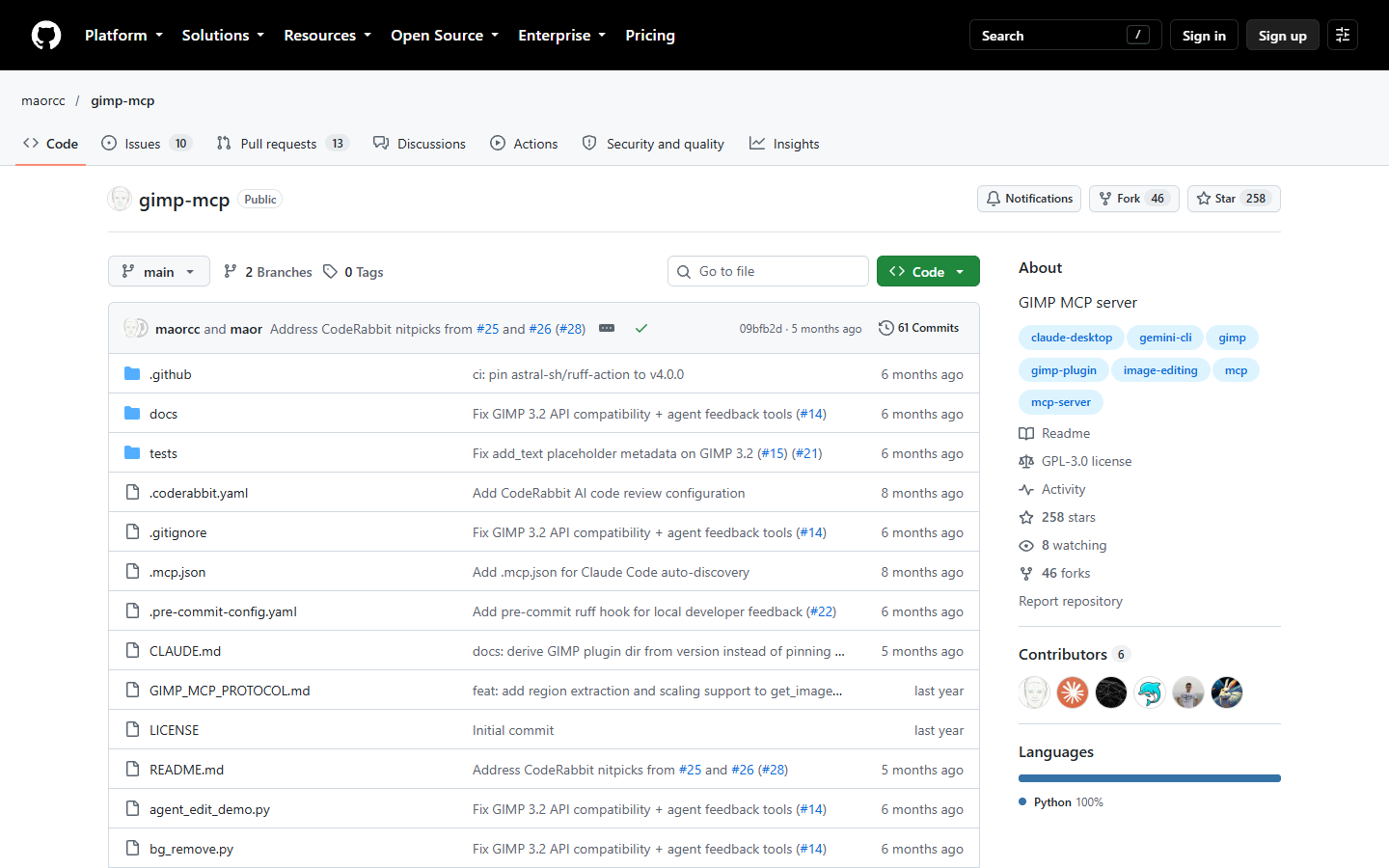
- What it is: GIMP MCP is a GPL-3.0 server that lets AI assistants control GIMP through the Model Context Protocol. The README reports 56 tools, tested on GIMP 3.2.2 on Windows, macOS and Linux.
- Best for: Developers who want Claude to edit images in a local GIMP.
- Pricing basis: It is free and open source under the GPL-3.0 licence.
- Standout: The
get_state_snapshottool returns a PNG preview of the current image in the middle of a workflow, so the assistant can check each step without saving to disk. The tool list covers layers, selections, text withadd_textandedit_text, andexport_imagefor PNG, JPEG, BMP or TIFF. - Limit: GIMP 3.2 or later has to be running with an image open, and the server works on localhost only. The README lists an undo system and sandboxed execution for untrusted command inputs as future enhancements, so neither exists today. The repository belongs to an individual GitHub account, the README states no affiliation with the GIMP project, and there are no GitHub releases.
- API or automation: It is a local MCP server that Claude Code adds with
claude mcp add gimp-mcp -- uv run --directory /full/path/to/gimp-mcp gimp_mcp_server.py, after you start the server from the Tools menu inside GIMP. A hosted endpoint is not published, and the README lists remote access as a future enhancement. - Note: It has no tagged GitHub release, so the data table shows the date of the last push.
- Sources: the GIMP MCP README linked above, checked 2026-10-11.
We would build on GIMP MCP when the model should look at its own result between steps, because the snapshot tool gives it that feedback. You hit a wall on unattended runs, since someone has to open GIMP, open an image and start the server first.
Add it to Claude Code, from the GIMP MCP README. Replace the path with your own. First copy the plugin into GIMP, open an image and start the server from Tools, MCP, Start MCP Server.
claude mcp add gimp-mcp -- uv run --directory /full/path/to/gimp-mcp gimp_mcp_server.py
6. Krita MCP
Best for painting and layer work in an open document
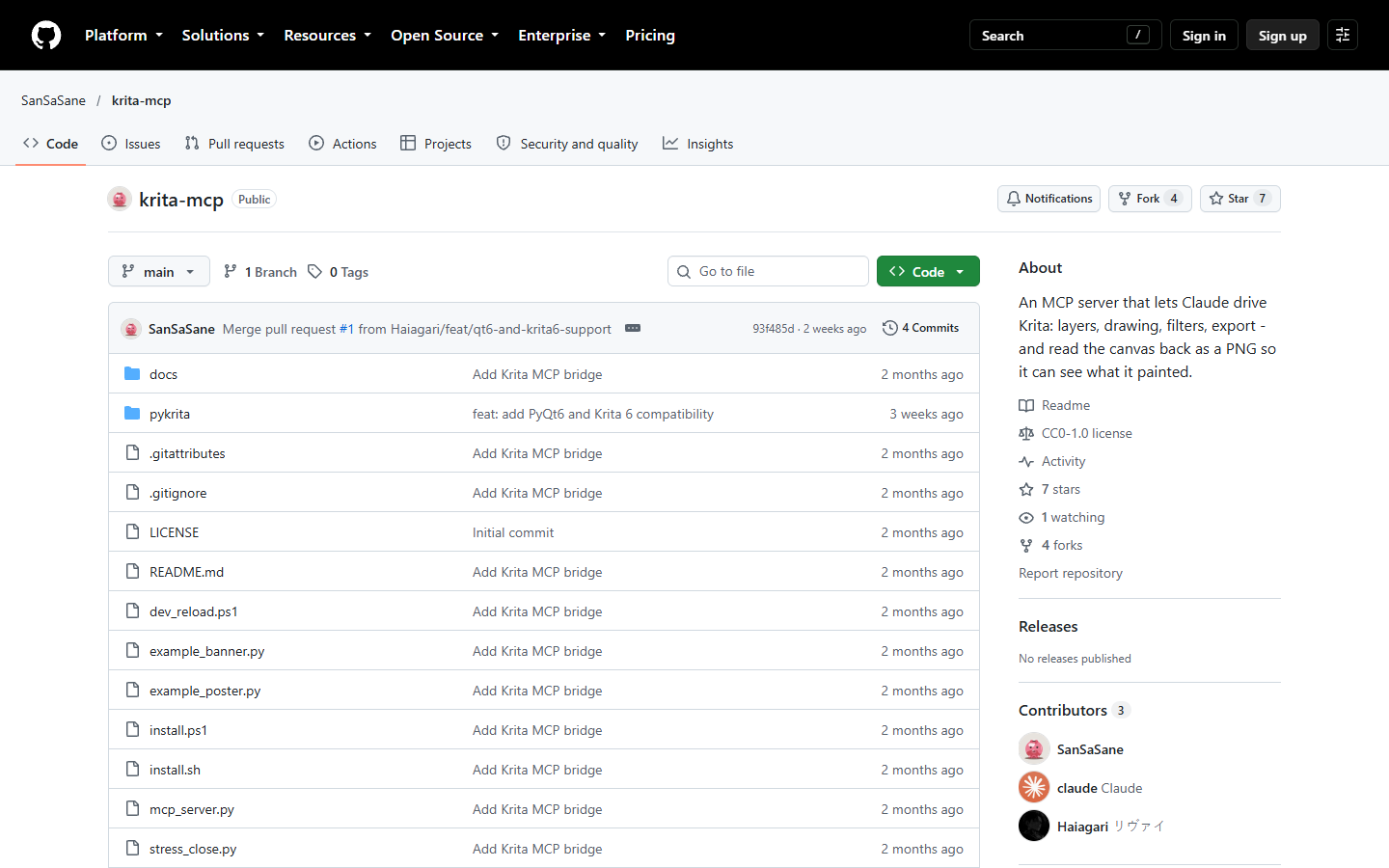
- What it is: Krita MCP is an MCP server that lets Claude control Krita, including layers, drawing, filters and export. Claude can read the canvas back as a PNG to check its own work.
- Best for: Artists and developers who want Claude to work in a local Krita.
- Pricing basis: It is free and open source under CC0 1.0 Universal.
- Standout: The tools manage the layer stack, draw shapes, text and gradients on a paint layer, apply filters and export the result. The MCP server uses only the Python standard library, so the server itself needs no pip install.
- Limit: The README says it was developed and tested on Windows 10 only, and that
close_documentcan crash Krita roughly one close in five. Drawing bypasses Krita's undo history, direct pixel access needs RGBA 8-bit documents, and arun_pythontool runs arbitrary Python inside Krita. The repository belongs to an individual GitHub account, and the README states no affiliation with the Krita project. - API or automation: It is a local MCP server that Claude Code adds with
claude mcp add krita -- python /absolute/path/to/mcp_server.py. Krita must be running, and the bridge binds to loopback only and requires a per-session token. A hosted endpoint is not published. - Note: It has no tagged GitHub release, so the data table shows the date of the last push.
- Sources: the Krita MCP README linked above, checked 2026-10-11.
We would build on Krita MCP when the work is illustration or poster layout on Windows and Claude should see the canvas as it goes. You hit a wall on Linux and macOS, where the README says the code paths have not been run.
Add it to Claude Code, from the Krita MCP README. Replace the path with your own. Install the Krita plugin first, and keep Krita running.
claude mcp add krita -- python /absolute/path/to/mcp_server.py
7. Figma
Best for changes to design files

- What it is: Figma is a design platform, and its MCP server lets an agent read design context and write content back to a file. It edits the objects in a design file, which is a different job from retouching a photo.
- Best for: Design teams that already work in Figma and want an agent to change a layout, a text object or a component.
- Pricing basis: It charges a subscription per seat, and writing to files with an agent needs a Full seat. Seat prices are on the Figma pricing page, checked October 2026.
- Standout: The
use_figmatool creates, edits, deletes and inspects objects in Figma Design files, FigJam boards and Figma Slides. Thedownload_assetstool exports nodes as PNG, JPG, SVG or PDF, for up to 20 nodes per call. Source: Figma's MCP tools reference. - Limit: You need a Full seat and edit permission to write, and Dev seats are read-only. View and Collab seats get up to 20 tool calls a month. The
generate_imagetool returns a temporary URL and does not place the image on the canvas. Anthropic's directory listing for Figma shows 9 tools, anduse_figmais not among them, so check the client you plan to use. Source: Figma's rate limits page. - API or automation: Figma recommends its remote MCP server, which needs no desktop app, and only clients listed in the Figma MCP Catalog can connect. Claude Code adds it with
claude mcp add --transport http figma https://mcp.figma.com/mcp. Write to canvas is supported in select clients, including Claude Code and Claude Desktop, as the write to canvas guide lists. - Note: The linked repository is Figma's setup guide for the MCP server, not server code.
- Sources: the three Figma developer pages linked above, plus Figma's remote server setup page and Anthropic's directory listing for Figma, checked 2026-10-11.
- Links:
We would build on Figma when the thing being edited is a design file, such as a banner layout with live text, because the result stays editable for the team. You hit a wall on photo work, since the write tool changes design objects such as frames, components and text.
Add the remote server to Claude Code, from Figma's remote server setup page.
claude mcp add --transport http figma https://mcp.figma.com/mcp
8. Canva
Best for finding, generating and exporting designs

- What it is: Canva is an online design platform with templates, brand kits and built-in AI tools. Its Claude connector is made by Canva, and Anthropic's directory lists it as Anthropic verified.
- Best for: Anyone producing everyday marketing designs who wants Claude to find a design, generate a new one or export it.
- Pricing basis: It charges a subscription, and it has a free plan. The connector is available on all Canva accounts, and some connector actions such as Brand Template search need a paid plan. See the Canva pricing page, checked October 2026.
- Standout: The directory lists 17 tools, with which Claude can search, read, import, generate and export designs, organise folders and add a comment thread to a design. Source: Anthropic's directory listing for Canva.
- Limit: A tool that edits a layer, a mask or a text box inside an existing design is not among the 17 listed tools. Canva's own help page for the connector could not be read with a plain request on the check date, so this entry rests on the directory listing and the pricing page.
- API or automation: It is a hosted MCP connector at
https://mcp.canva.com/mcp, with sign-in required. Canva also documents Connect APIs for developers. - Note: The REST API column refers to Canva's Connect APIs for developers, which Canva documents apart from the connector.
- Sources: the directory listing and pricing page linked above, checked 2026-10-11.
We would build on Canva when the output is a templated design that a marketing team keeps editing in Canva. You hit a wall when Claude has to change one element of an existing design, because the listed tools do not include that kind of edit.
Connector URL from Anthropic's directory listing. Add it from the directory in Claude.
https://mcp.canva.com/mcp
What each check means
A check means the README or the vendor's own page describes it. A cross means the source says otherwise. A dash means not published in the pages we read, which is not proof that it is absent.
- Hosted server: The server runs at a remote URL, so nothing is installed on your machine. A cross means it runs locally next to an app or a command line tool.
- Layers or masks: The source describes tools that create or change layers, layer masks or masked edits.
- Text edits: The source describes adding or changing text in the image or design.
- Export or render: The source describes saving or exporting the result as a file or a URL.
- First-party server: The company or project behind the app publishes the server. A dash means the README states no affiliation either way.
- Open-source licence: The server's code is published under a free or open-source licence. A hosted service with no published code gets a dash.
- Runs with no desktop app open: The edit can run without a desktop editor open on the same machine.
How we picked
We ranked these 8 by how much of a repeatable image edit each one can run without a person finishing it by hand. The checks were whether the server changes the image itself, such as pixels, layers, masks or text, what has to be installed or open for it to work, who publishes it and under which licence, and whether anything outside a chat can call it. We read each README, vendor page and Anthropic directory listing on 11 October 2026. We ran none of the servers, so nothing here is a test result, and you should read a local server's code before you give it access to your files.
Servers that only generate, upscale or remove a background were left out, because this list is about editing an image you already have. Cloudinary also runs MCP servers that build transformation URLs, and it is left out because the list is capped at 8 entries. For editors beyond MCP, see a wider comparison of AI image editors.
To correct a cell, open an issue or a pull request with the tool, the check and a link to the page that proves it.
FAQ
An MCP server for image editing is a small service that gives an AI assistant tools for changing an image, such as crop, mask, text and export. On this list, 4 are hosted by the vendor and 4 run on your own machine next to an editor or a command line tool.
Yes, once one of these servers is connected. The 4 local servers each publish a claude mcp add command, Figma publishes one for its remote server, Adobe says its connector is available in Claude Code, and Wireflow's connector is added with one command as well. For composites, the Editor connector reference lists what Claude can render.
Adobe for Claude is Adobe's own connector, and it brings Photoshop tools into Claude as a hosted service. The Photoshop MCP project on this list is a different thing: its README says it is unofficial, community-maintained and not affiliated with or endorsed by Adobe Inc. It drives the desktop app on your machine.
It depends on which server you pick. The Wireflow MCP page has setup steps for Claude, Claude Code, Cursor, ChatGPT and Grok, and Figma accepts only clients listed in its MCP Catalog. The Photoshop MCP README covers Cursor, Claude and VS Code, and the GIMP MCP README covers Claude Desktop, Claude Code and Gemini CLI.
No, most of them need no API key. The 4 hosted entries use a sign-in flow, and the setup commands in the 4 local READMEs include no key. You only need a Wireflow API key when you call its REST API from a script, because the connector itself signs in with OAuth.
Yes, and several entries describe it. Adobe's listing says you can edit photos individually or in bulk, ImageMagick MCP has a batch tool that chains operations in one call, and the Photoshop MCP README lists bulk watermarking. In Wireflow, a Compositor renders up to 50 rows per batch from one layout.
You can where a script can call the server's backend. A saved Wireflow workflow runs from a cron job or your own backend through its run endpoint with an API key. The local servers need an MCP client, and 3 of the 4 also need a running desktop editor, so they suit a person's machine more than a build server.
The short version
Pick Wireflow when the edit is a pipeline you will rerun, because the connector and the API both run the same saved workflow. Pick Adobe for Claude, the next entry, when a person wants quick photo fixes inside a chat with Adobe's own tools. If the output has to stay a layered file, go to Photoshop MCP, and if the edit is sizes and overlays, go to ImageMagick MCP. Whichever you choose, run one real edit on a copy of the file before you trust it with a folder. If you plan to script the first option from Claude Code, start with the builder skill docs.
How this list is maintained
data/tools.jsonis the source of truth. The tables in this README are generated from it and are overwritten on every run, so edit the JSON, not the tables.scripts/update.jsfetches star counts and latest release tags from the GitHub API for the tools that publish an official repo, stamps the check date, and regenerates the tables.--offlineregenerates without the network;--checkexits non-zero if the README has drifted from the data..github/workflows/refresh.ymlruns it weekly and on manual dispatch, and commits only when the data actually changed.- Prices are deliberately not stored as numbers. A stale price in a comparison table is worse than no price, so the table links to each vendor's own pricing page.
Contributing
Corrections and additions are welcome, including corrections to the entry for the tool that maintains this list. Open an issue with the tool name, a working link, one line on what it does that the tools already listed do not, and one line on where it stops. Entries are judged on whether they are usable today, not on popularity. Full rules in CONTRIBUTING.md.
License
CC0 1.0 Universal, public domain. Take the data, fork the list, no attribution required.
Maintained by a1adams.