
skill
skdeck
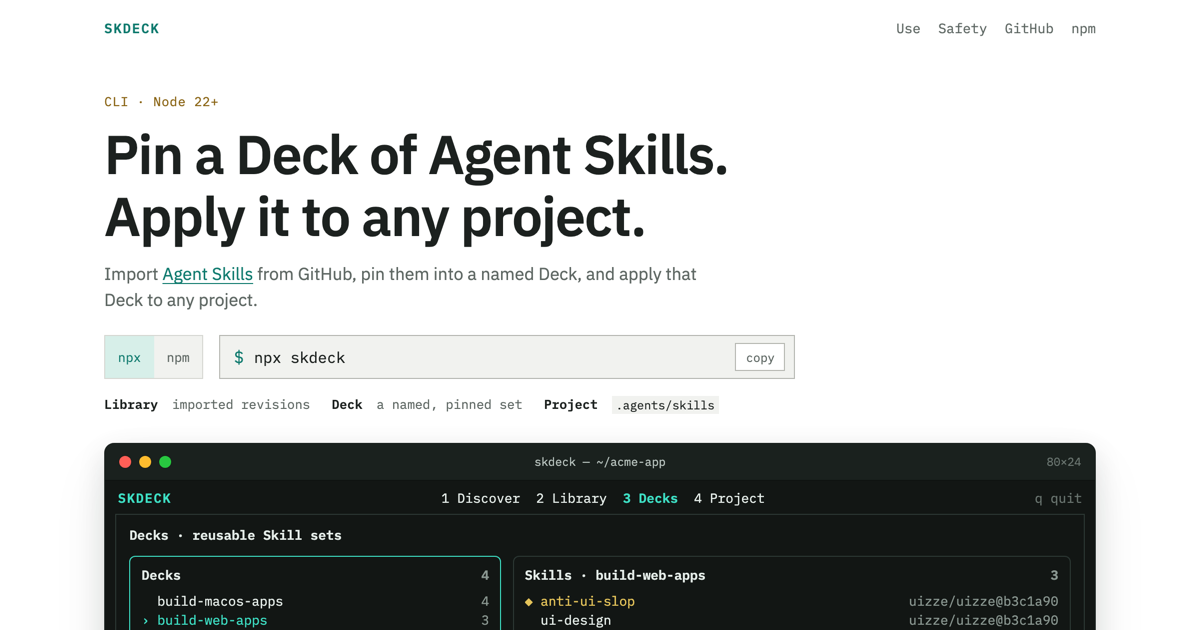
Pin Agent Skills into a named Deck, and apply that Deck to any project
Set up
Skills are installed by placing their folder where your agent loads skills.
The download comes from github.com/natsustan/skdeck itself, not from our server, so what you get is exactly what its author published.
Install instructions come from the README
README
synced Oct 26, 2026Skdeck
Pin Agent Skills into a named Deck, and apply that
Deck to any project. Import complete Skills from GitHub, group immutable
revisions into Decks, and safely apply them to a project's .agents/skills
directory.
Requirements
- Node.js 22 or newer
- The system
gitcommand
Install
Run without installing:
npx skdeck
Or install the CLI globally:
npm i -g skdeck
skdeck
Concepts
- Library — locally imported Skill revisions. Each revision is pinned to its source commit and content hash.
- Deck — a named, reusable selection of Library revisions.
- Project — the directory where a Deck is applied. Managed Skills are
installed under
.agents/skills, with ownership recorded in.agents/skdeck.lock.
Typical workflow
-
Import a Skill or a directory of Skills from GitHub:
skdeck add https://github.com/owner/repo/tree/main/skills -
Open the full-screen interface, select Library entries, and add them to a new or existing Deck:
skdeck -
Preview and apply the Deck to a project:
skdeck use my-deck --project ./my-project -
Inspect local Decks and Library entries:
skdeck list -
Preview and remove the Deck from the project:
skdeck remove my-deck --project ./my-project
add, use, and remove are interactive and require a TTY. Running skdeck
without a command opens the full-screen interface.
Commands
skdeck                         Open the full-screen interface
skdeck add <github-url>        Discover and import Skills from GitHub
skdeck use [deck]              Preview and apply a Deck
skdeck remove [deck]           Preview and remove an installed Deck
skdeck list                    List the Library and Decks
skdeck --help                  Show all commands and options
Both use and remove accept -p, --project <path> and default to the current
directory. If the Deck argument is omitted, Skdeck prompts you to select one.
Safety
Skdeck previews project changes before applying or removing a Deck and:
- never overwrites an unmanaged Skill directory;
- refuses to replace or remove managed Skills with local modifications;
- tracks shared ownership when more than one Deck uses the same revision;
- stages filesystem changes and writes catalog and lock data atomically;
- pins Deck entries to content-addressed, immutable Library revisions.
Skdeck stores its local catalog in the platform data directory. Set
SKDECK_HOME to use a custom location.
Development
pnpm install
pnpm typecheck
pnpm test
pnpm build